Build your next
printer view.
A light, a dedicated screen, or the iPad you already own. Pick your project and follow it from parts to live printer data.
GLOW / SETUP GUIDE
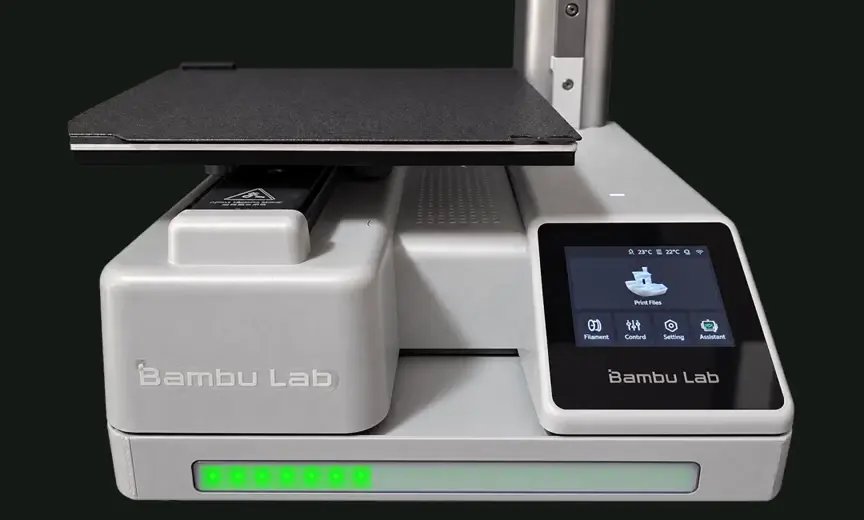
A light that follows your print.
A printed stand, one small controller and a line of light that grows with your print.
Read the guide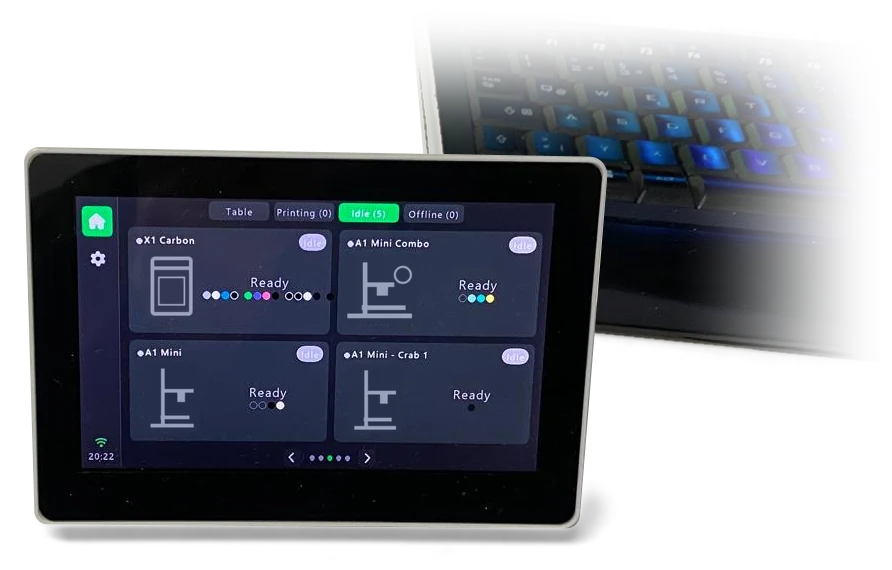
TOUCH / SETUP GUIDE
Your printers. Their own screen.
Choose the right five-inch board, flash it in your browser and put your printer view beside your tools.
Read the guide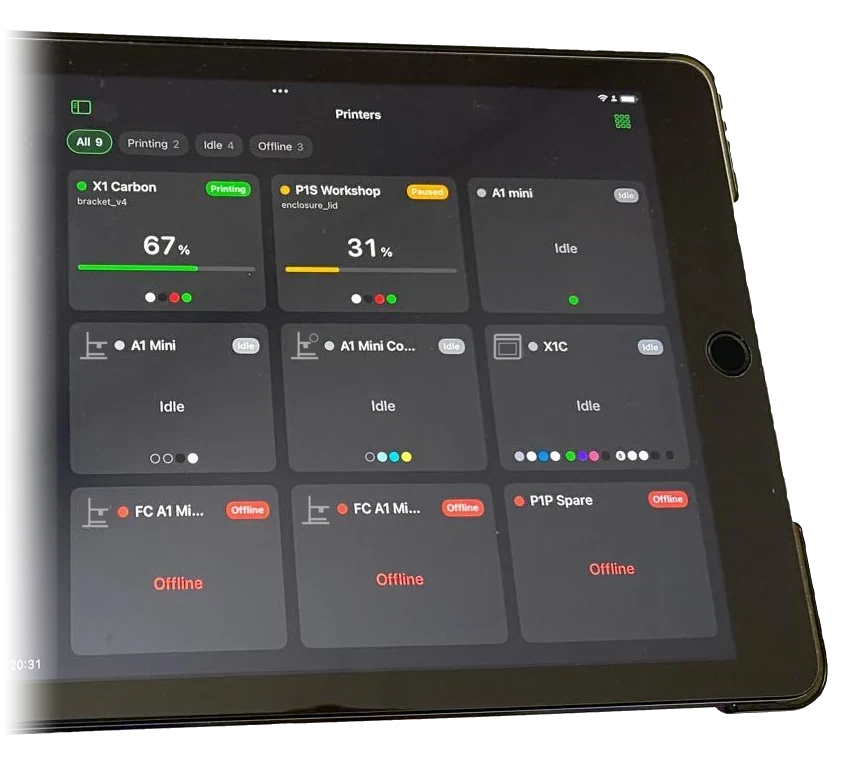
APP / SETUP GUIDE
An old iPad. A new workshop job.
Give the iPad in your drawer a permanent view of print progress, temperatures and alerts.
Read the guideStart with one.
These guides connect directly to your printer. You can add Bridge later when you want a shared setup or supported lock-screen updates.
Check your printer and network →